

Which stage of review are you actually at?
A comment-letter render, a full submission render and a resubmission render aren’t three qualities of the same file. They’re three different jobs.
"Send us a render" sounds like one request across the whole review-to-permit process. It isn’t. A first submission, a post-comment revision, a resubmission and a permit-ready packet each ask the image to do something different — and a lot of the extra rounds a scheme goes through trace back to a render built for the wrong one. Here’s what each stage actually needs, so the next round is the one you send back for approval, not the one you send back for clarification.
What the render has to do at each one
Same building, four different jobs — in the order a scheme actually moves through them.
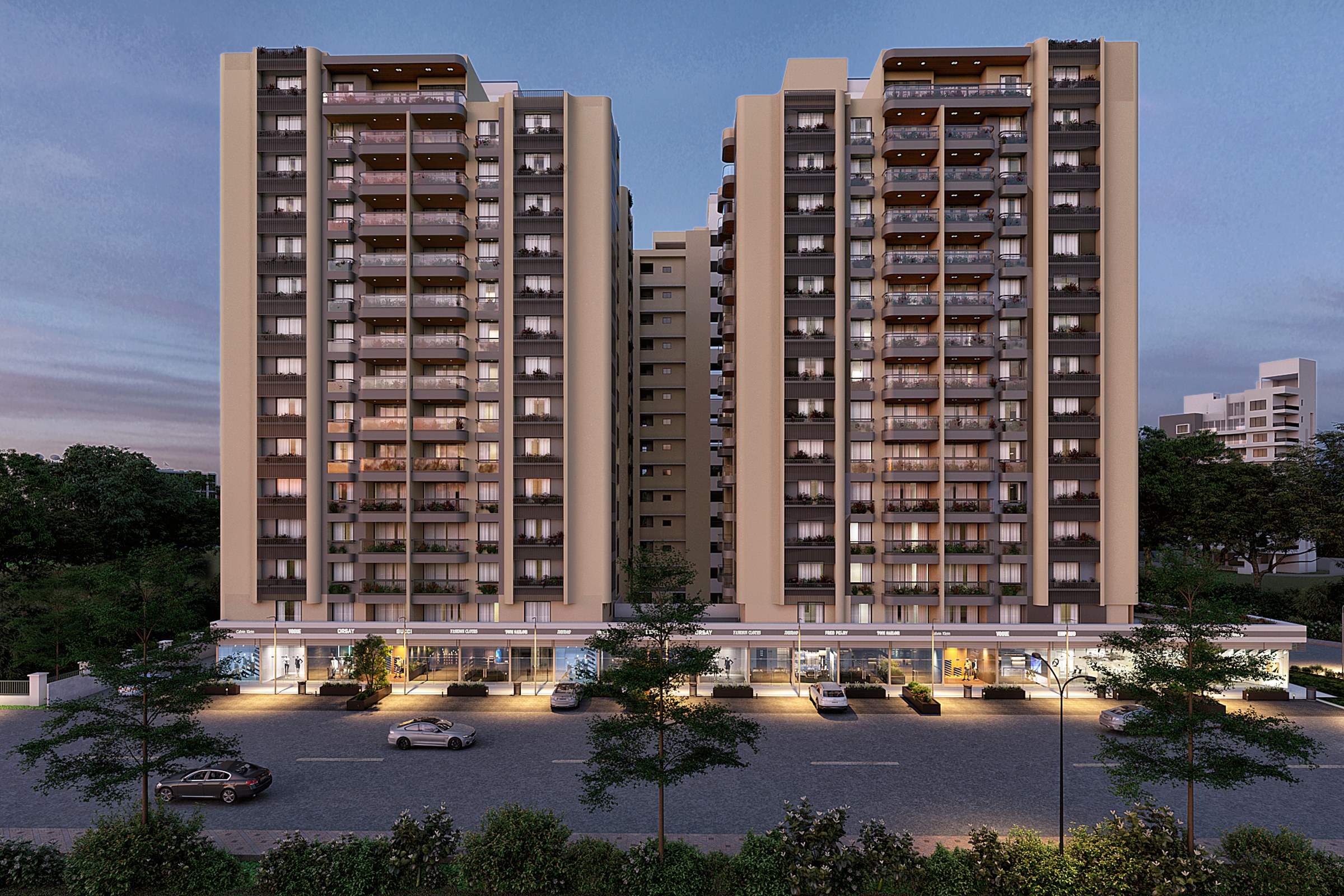
First submission
You’re proving intent, not defending a decided design.
Nothing has been commented on yet. The job of the render here isn’t five polished angles — it’s one image confident enough to carry the whole massing and character before anyone has told you what they think of it. Over-render this stage and you’ve spent finishing time on details a first-round comment letter may reshape anyway.
Post-comment revision
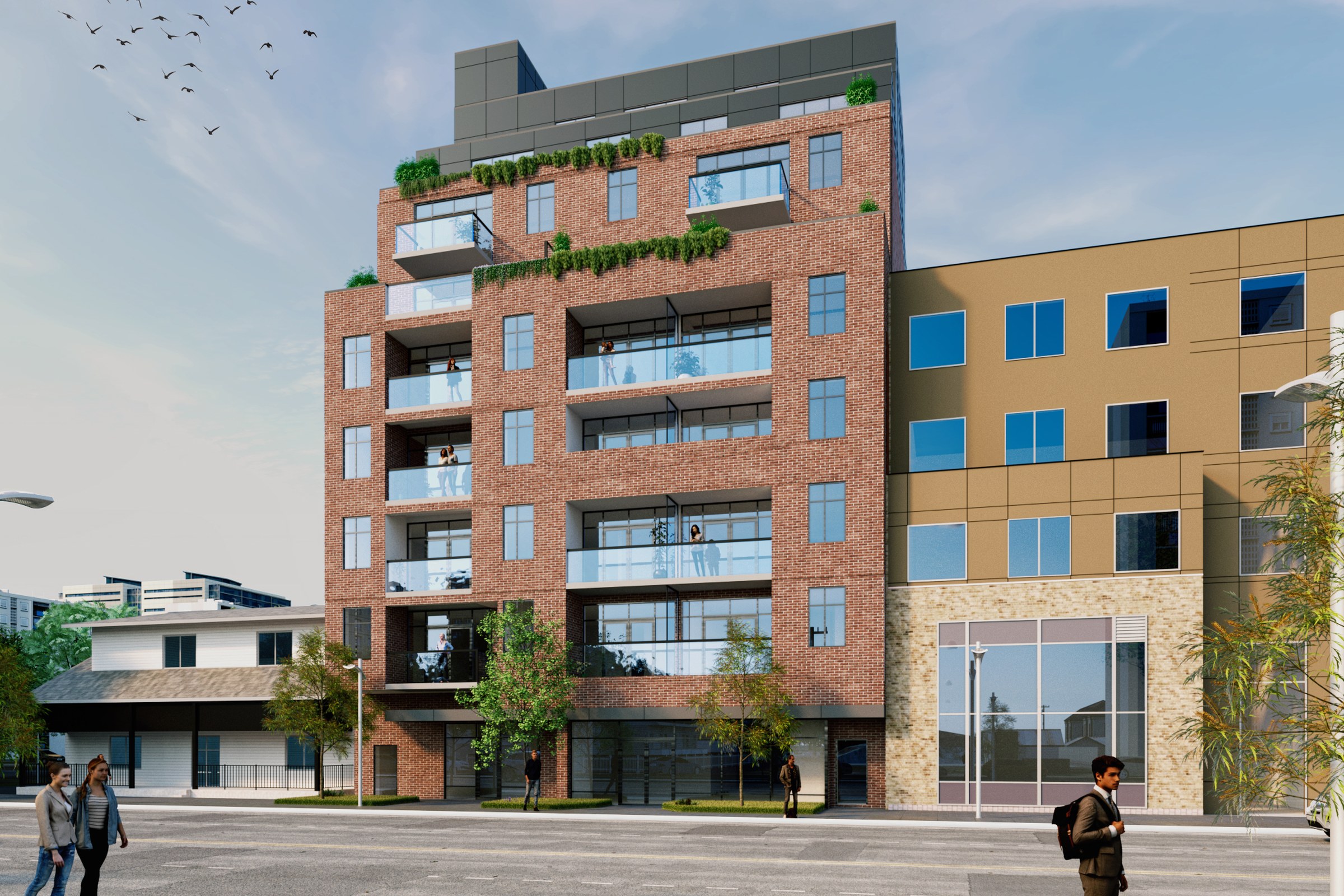
The render’s only job is to show what moved.
This is where resubmission cycles actually get spent — not on redesign, but on a reviewer trying to work out what changed between two full sets that otherwise look identical. A render set built for this stage is labelled and cropped to the delta: the massing shift, the material swap, the setback. Everything unchanged stays out of the frame so the changed thing is the only thing being re-reviewed.
Resubmission-ready
Every view has to agree with itself again, not just the one that changed.
A revision to one sheet quietly ages every other sheet in the packet — the aerial, the streetscape, the material callouts — unless someone checks. Resubmission-ready doesn’t mean the changed view looks right. It means the whole set reads as one building again: same massing, same materials, same story, across every image a reviewer will lay side by side.
Permit issued
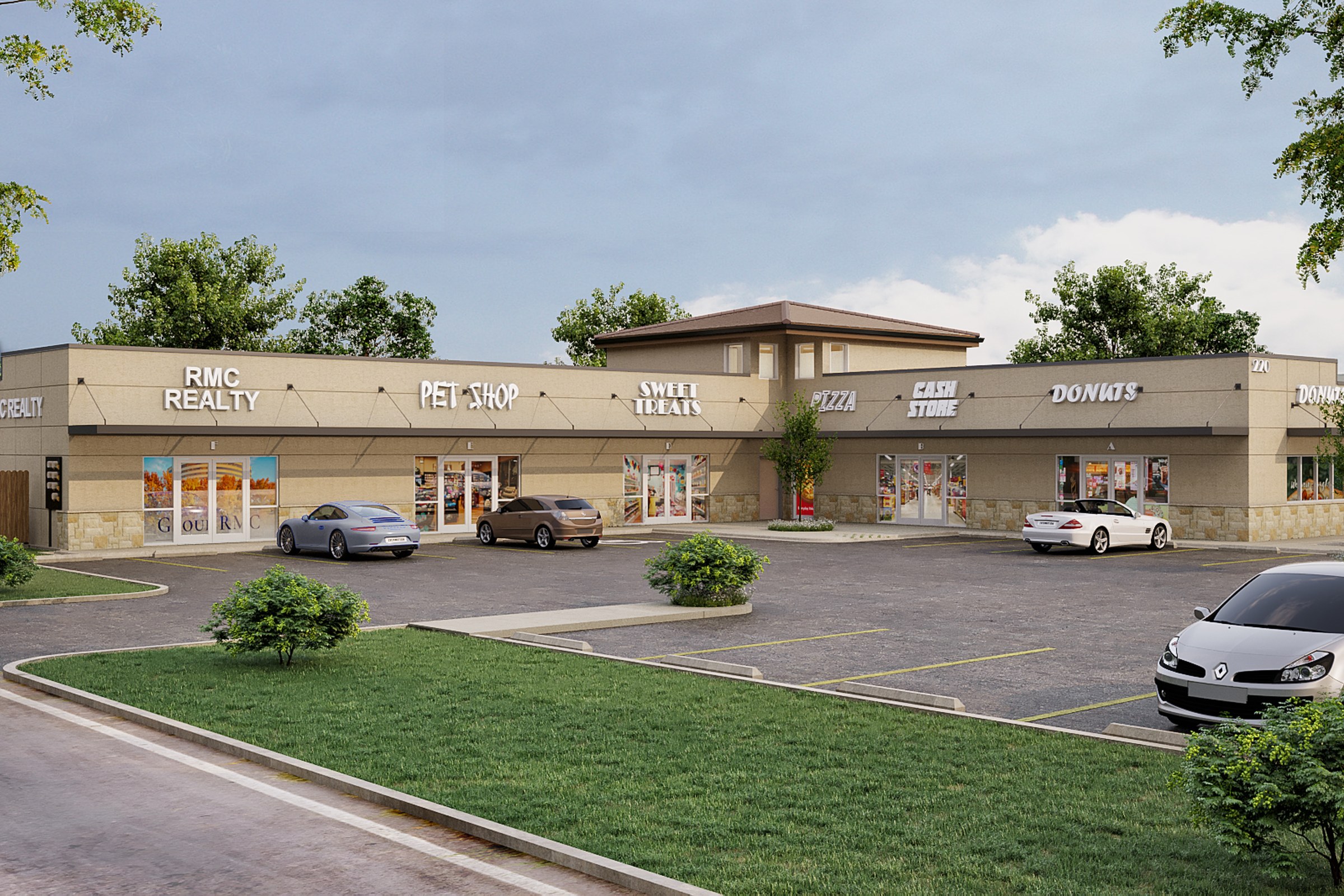
The render stops persuading a board and starts selling the building.
Once approval lands, the same file does a different job. Nobody is checking it against a comment letter anymore — it’s leasing material, a listing image, the thing that sells the units or the storefronts a design review argued over months earlier. The building it was drawn to defend is now, on paper, real.
What to send us, stage by stage
Skip the diagnosis — tell us where you are and we’ll tell you what the render should actually do next.
- Nothing’s been commented on yet One confident hero on the whole massing — not a finished set.
- You’re answering a comment letter A labelled delta set — only what changed, cropped and called out.
- You’re about to refile the whole packet A full-set consistency pass before it goes back in.
- You’ve got the permit The same files, repurposed for leasing or sale — no new render needed yet.
The stage decides the render. Not the other way around.


