
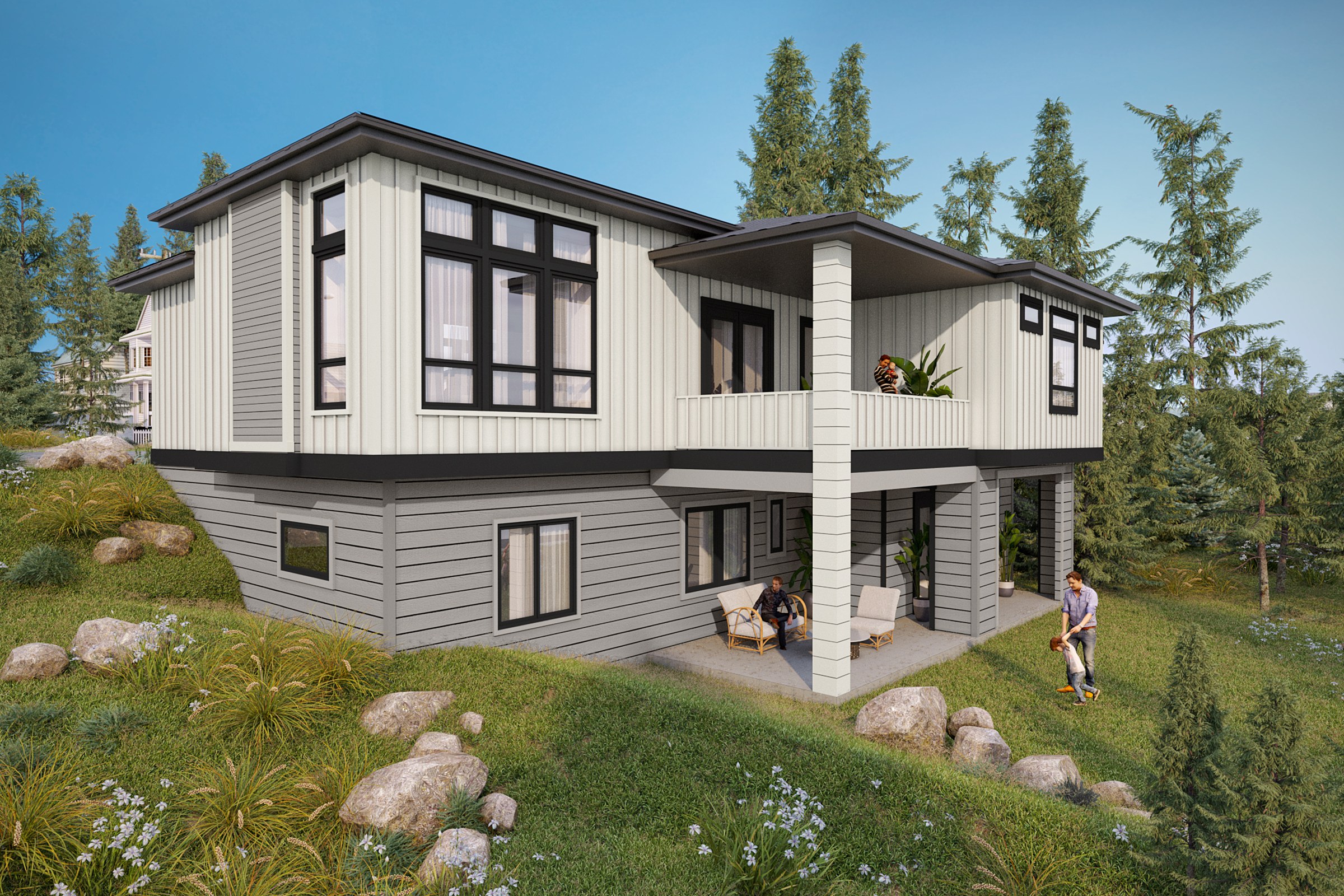
Enscape and Twinmotion are great — until they’re not
If you already own one, you have solved the fast part of visualization. This is about the part that comes after — and the exact line where a preview stops being enough.
Let us say the quiet part first: we use them too. Enscape and Twinmotion are genuinely brilliant tools, and if your firm has standardised on one, you have made a good decision. So this is not a takedown — it is a map. There is a line in every project where a real-time preview stops being the right tool and a persuasion-grade still takes over. Knowing exactly where that line sits is worth more than any feature comparison.
Where real-time genuinely wins
Outsourcing every iteration of a moving design would be absurd. This is exactly the work real-time was built for.
Design iteration
Move a window, swap a cladding, drop a tree — and see it instantly, inside the model you are already working in. Nothing beats it for thinking out loud in three dimensions.
Live client walkthroughs
Turning a plan review into a real-time fly-around, on your screen, in the room. It reads intent faster than any set of flat elevations ever could.
Speed at design stage
Seconds, not hours, per frame. When the design is still moving, that turnaround is exactly the right tool — and outsourcing every iteration would be absurd.
Five places a preview stops being enough
None of these are failures of the software. They are the seams between two different jobs — fast thinking, and final persuading.
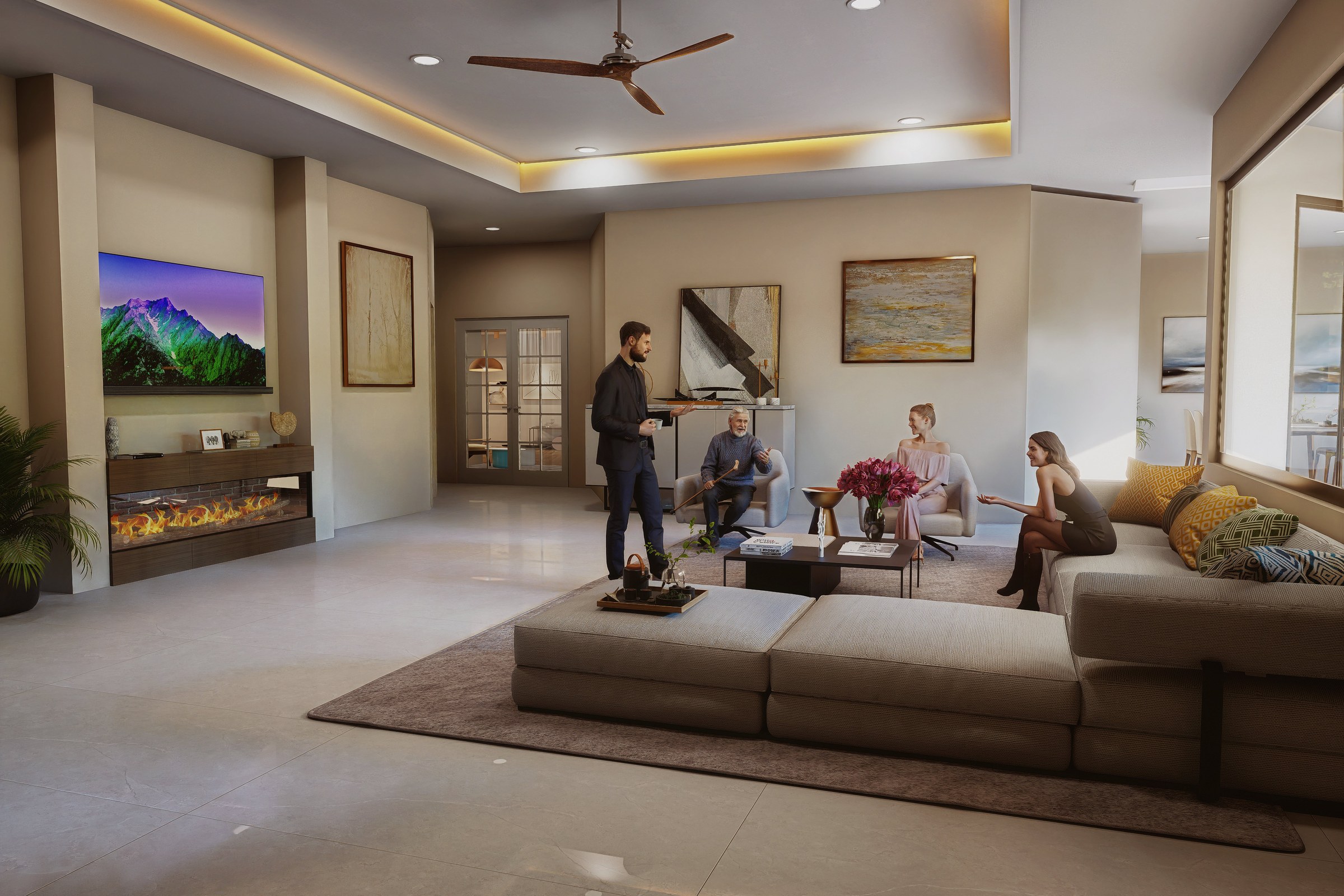
Light that behaves like light
Where approximated GI meets the human eye.
Real-time engines approximate global illumination to stay fast — and for a working preview, the approximation is fine. But the eye reads the difference the moment it matters: how a warm cove light bounces off a ceiling, how a fireplace fills a room, how contact shadows sit under furniture. A persuasion still needs light that is calculated, not guessed. That is the gap between “I can tell what this is” and “I can feel it.”
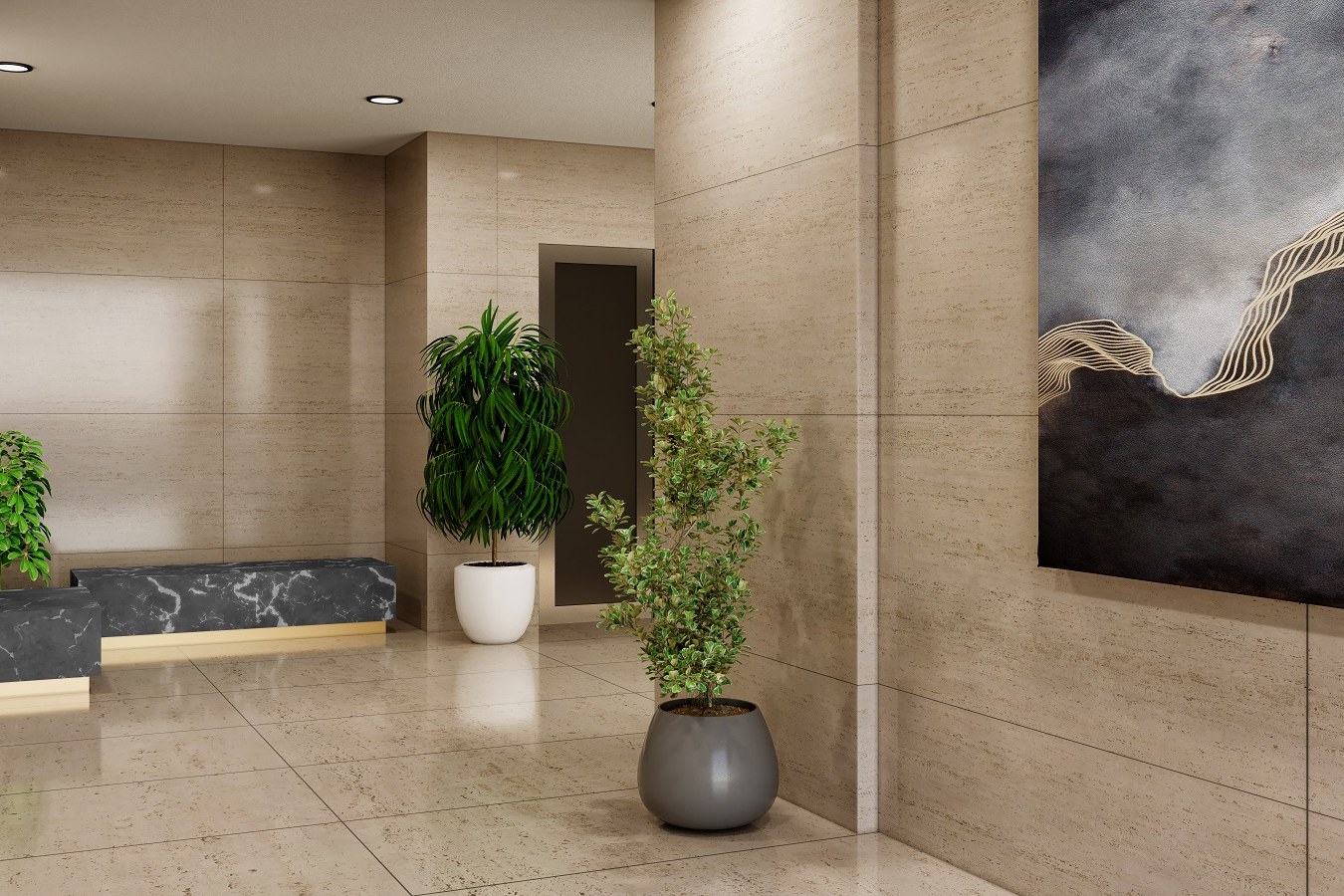
Materials that hold up under scrutiny
Stone, marble and polished floor — at full reflectance.
A real-time material is a clever stand-in: convincing at a glance, thin under a second look. Travertine that reads as flat texture instead of layered stone; a polished floor that reflects a blur instead of the room. When the client leans in — and on a hero image, they always do — the surfaces have to survive the attention. Physically based materials, correctly lit, are what make a render look like the building you specified rather than a lookalike.
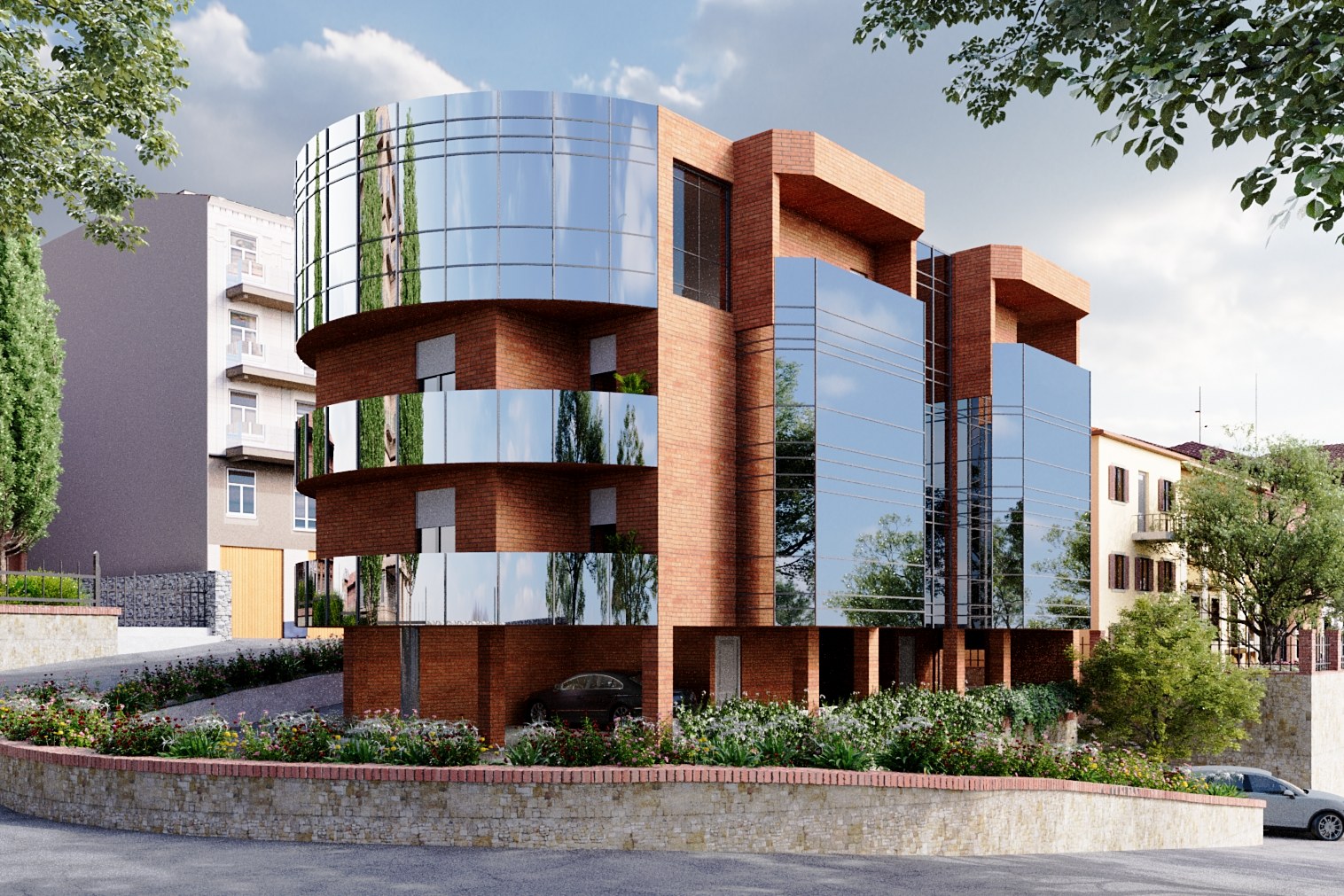
Glass, metal and mirror
The surfaces real-time approximates hardest.
Reflection and refraction are where the two worlds part most visibly. A curved glass facade that mirrors the street, the trees, the sky above — accurately, ray for ray — is one of the truest tests of a render, and one real-time is built to fake for the sake of speed. For a design meeting, the fake is invisible. For a facade that has to sell itself to a board or a buyer, the difference between a real reflection and a screen-space guess is the difference between a building and a game asset.
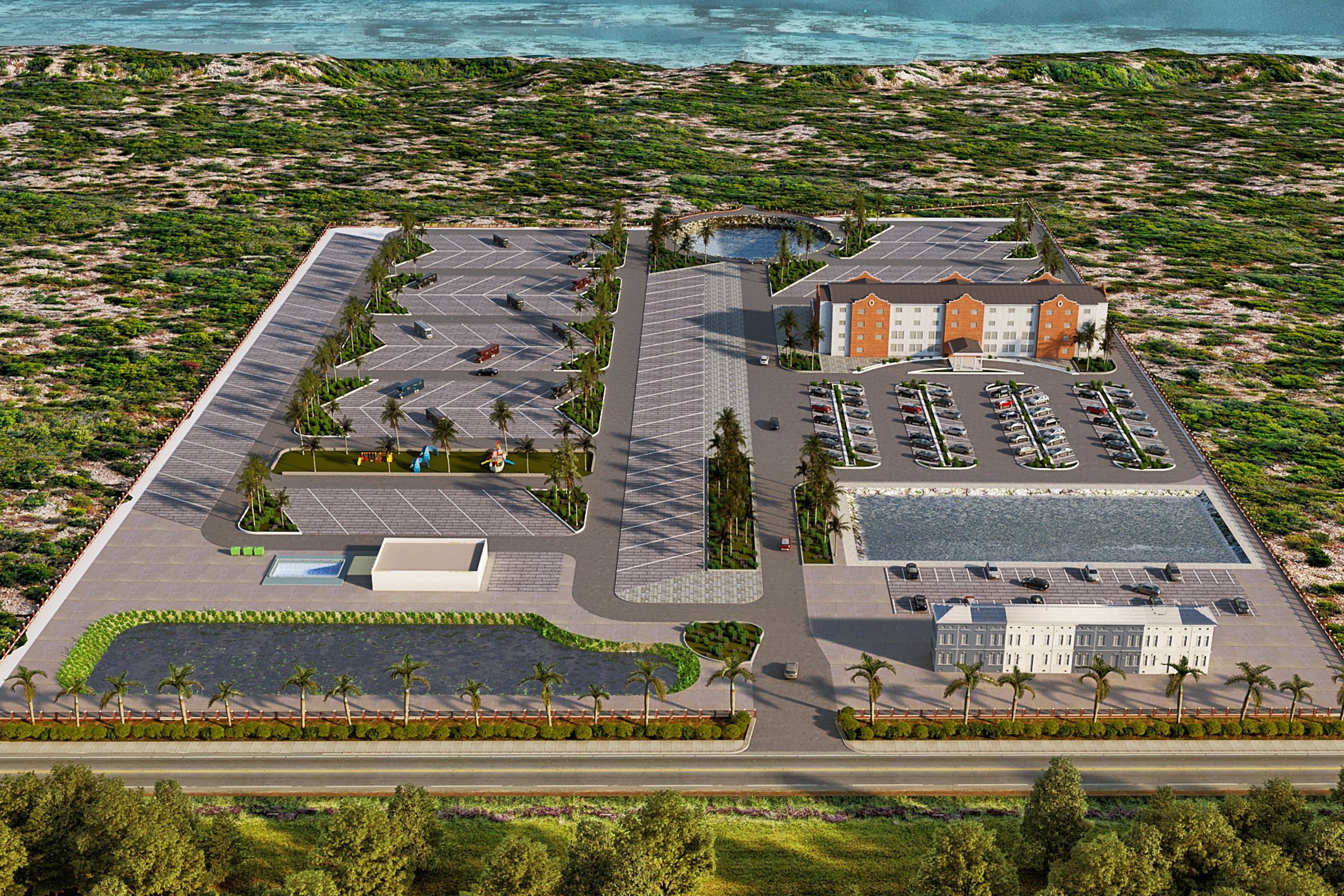
The whole scene, at scale
Vegetation, entourage and density, without simplification.
A masterplan is not one building — it is hundreds of trees, cars, people and paths, plus the light that ties them together. Real-time keeps its speed by simplifying: fewer polygons, lighter foliage, thinner crowds. That simplification is exactly what an aerial cannot afford, because the whole point of the frame is density and scale read at a glance. When the story is the community, the scene has to carry all of it at once.
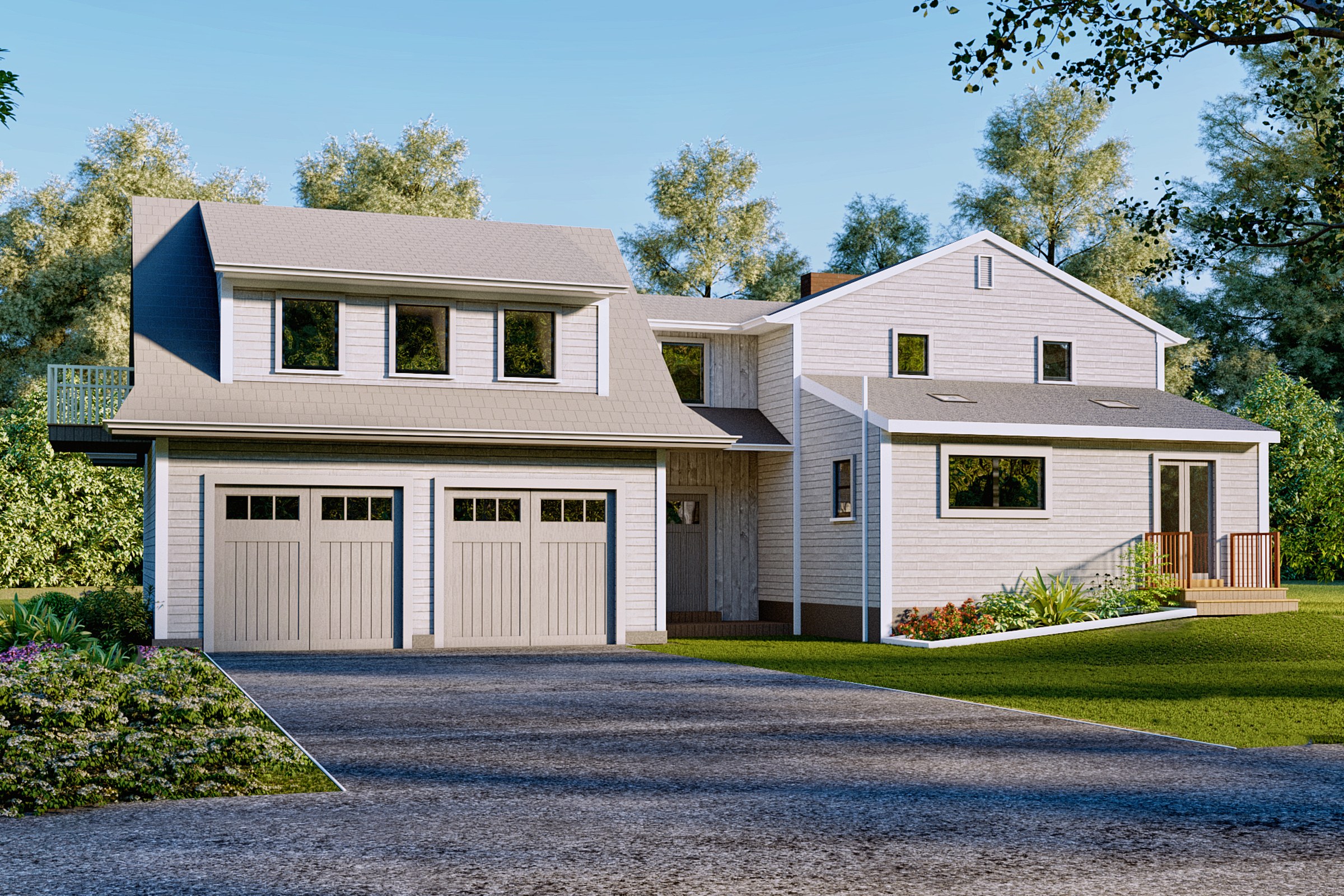
The one still that has to persuade
When a single frame carries the whole decision.
A walkthrough is a conversation; a hero image is a verdict. When a project goes to a client, a committee or a listing, one frame usually does the persuading — and it will be looked at longer, and harder, than any real-time flythrough ever is. That is the frame that has to be quiet, inevitable and expensive. It is not a preview with the settings turned up; it is a composed, calculated, post-produced image. A different craft, for a different job.
Keep it real-time — or bring in an offline still
No dogma. Match the tool to the job, one line at a time.
Keep it in Enscape / Twinmotion
- The design is still moving and you need to see a change now.
- You are walking a client through the space, live.
- It is an internal review — the audience is you and your team.
- You are testing an angle, a massing option, a material swap.
Bring in an offline final
- One frame has to carry the decision — board, buyer, committee, listing.
- The surfaces are glass, water, polished stone or metal.
- The story is dusk, mood, or light doing the emotional work.
- It is an aerial or a scene whose whole point is scale and density.
The best visualization stack is not one tool. It is knowing, on any given frame, which craft the job actually needs.


