
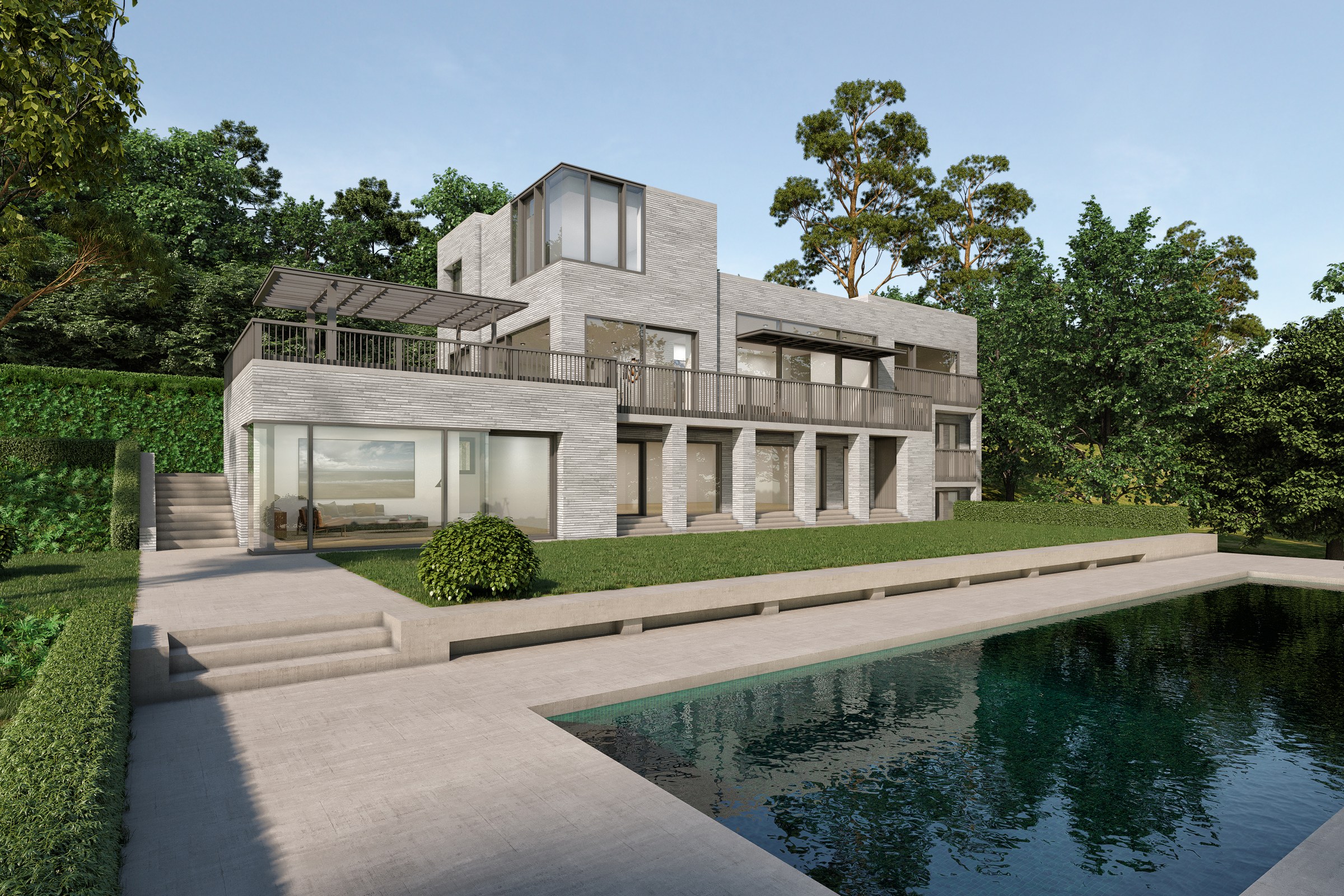
3D rendering software for architects
What professional studios use — and what’s realistic to run in-house.
The rendering landscape has never been more varied — or more confusing. This guide cuts through it: what studios use and why, what architects can realistically run in-house, and how to decide when software investment beats outsourcing to a specialist.
How rendering engines are categorized
Offline (ray-trace)
V-Ray · Corona · ArnoldPhysically calculated light — reflections, refraction, global illumination — at high accuracy. Photoreal but slow: minutes to hours per frame.
Real-time engines
Lumion · Twinmotion · EnscapeRasterization + approximated GI at interactive speed — often seconds. Quality has leapt forward but still lags offline in complex lighting.
Hybrid / GPU
V-Ray GPU · Corona GPU · D5GPU-accelerated ray tracing closes the gap between offline quality and real-time speed. Needs a recent NVIDIA card to sing.
Why professionals still run 3ds Max + V-Ray or Corona
Four reasons this combination has dominated high-end archviz for over 15 years — with a real trade-off: steep learning curve and cost, not a realistic in-house tool for occasional renders.
Material control
Physically based materials that behave correctly under any lighting — reflectance, roughness, subsurface scattering.
Lighting accuracy
Sun position, HDRI environments and photometric lights that match real-world conditions — critical for submissions.
Scene complexity
Millions of polygons, high-res textures, displacement and vegetation without the simplification real-time requires.
Post-production
Multi-pass EXR output composited in Photoshop or Nuke — flexibility real-time tools don’t offer.
The real-time trio
Lumion
Fast, effects-rich, great for design-stage presentations and marketing. Enormous asset library; less precise for technical accuracy.
Twinmotion
Tight Revit/ArchiCAD/SketchUp links, real-time, approachable. Excellent value; strong for walkthroughs and quick client visuals.
Enscape
A real-time plugin that lives inside your BIM tool — one click from model to render. Ideal for iterating during design.
Real-time tools are excellent for exploring and presenting a design. They start to cost you when the image has to be true to the model and survive scrutiny.
If your renders sit at the design stage, an in-house real-time tool is often enough. When the image has to carry a submission, a competition, or a sale — accuracy, materials and post-production are where a specialist offline pipeline earns its keep. That’s the line to outsource on.


